In this article
A Company Few Remember Dead on Arrival The Machine Was Trying to Tell Me Something Troubleshooting Gets Complicated Chasing Suspects The Meaning of D Trust, But Verify The Repair More Than a Repair Reflections Acknowledgements Coming in Part 2"It just stopped working."
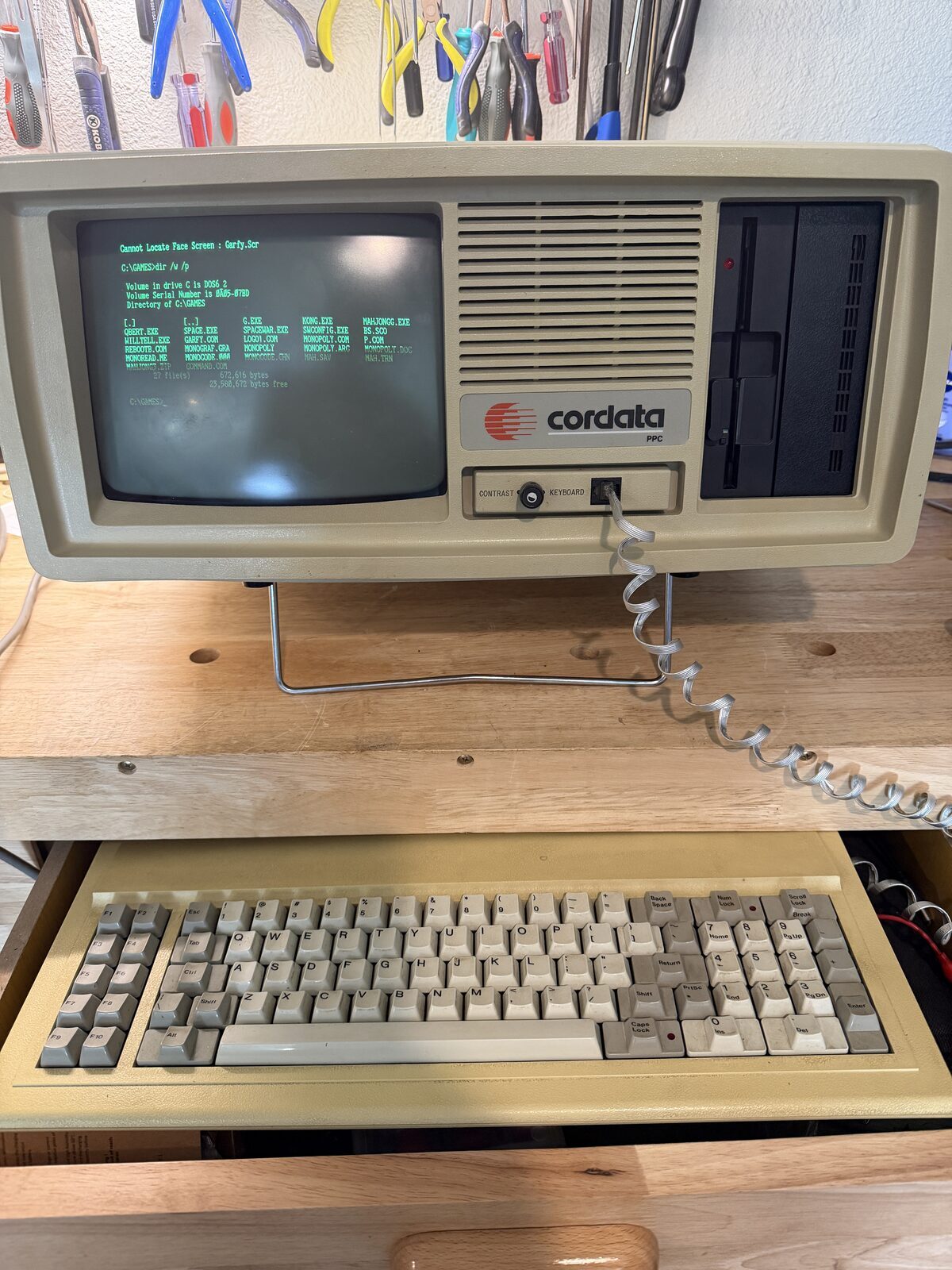
At this year's Vintage Computer Festival Southwest (VCFSW), a gentleman approached me with a portable computer he no longer wanted. He wasn't particularly interested in making money from it. In fact, his primary concern was that it go somewhere it would not be destroyed.
The machine was a Cordata PPC-400, a relatively uncommon IBM-compatible portable from the mid-1980s. Knowing a bit of the company's history and recognizing that surviving examples are not especially common, I made him an offer and brought it home for $50. And added it to the list of blog candidates.
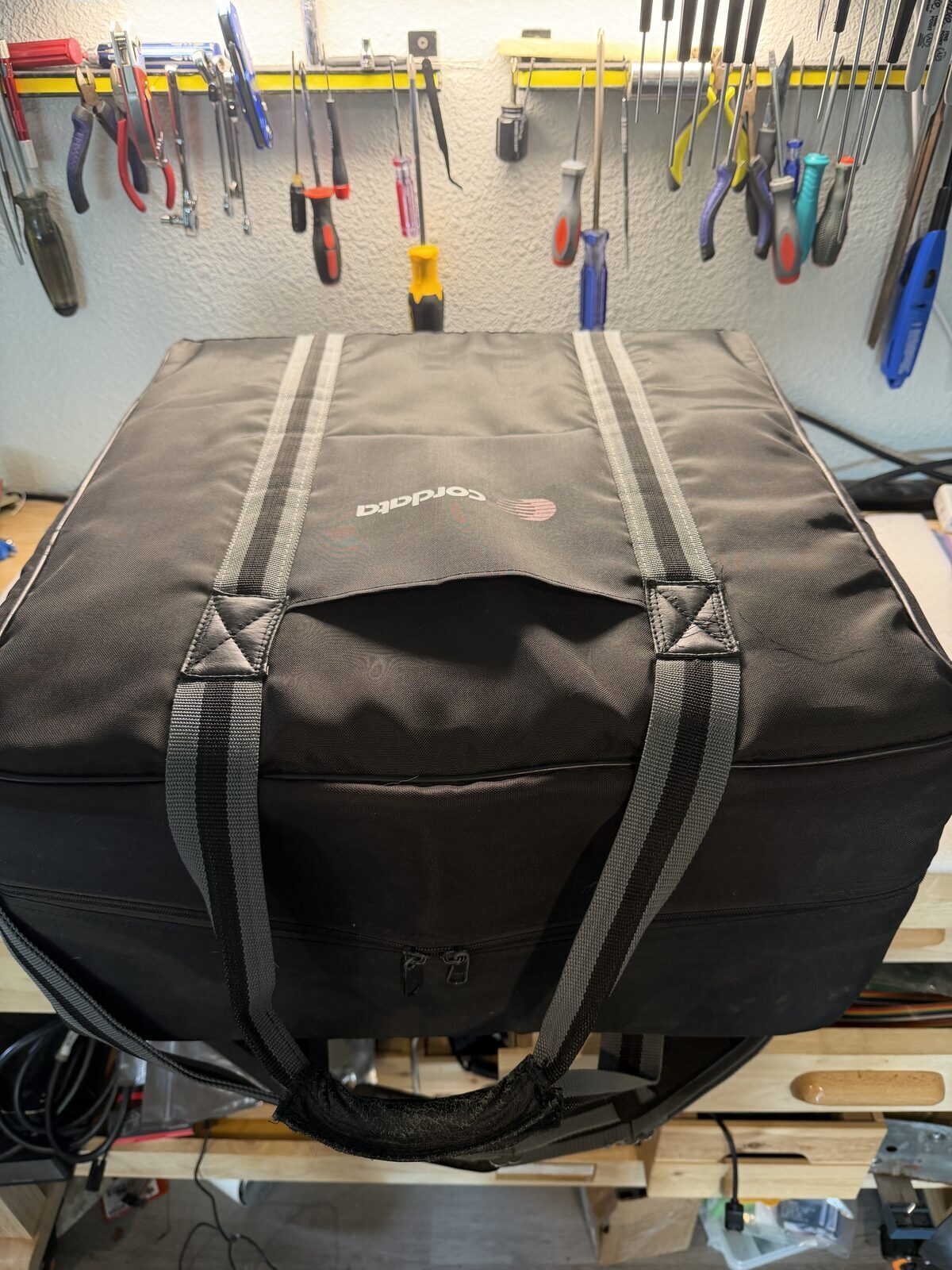
A Company Few Remember
Most computer enthusiasts remember IBM, Compaq, Kaypro, and Osborne. Far fewer remember Corona Data Systems, later known as Cordata Technologies. Yet, Corona Data Systems does have a memorable page in the book of PC evolution history.
Corona was one of the earliest manufacturers to build IBM-compatible personal computers. Unfortunately, the company soon found itself in a legal battle with IBM over BIOS copyright issues at a time when the PC industry was expanding at an incredible pace.
While companies such as Compaq successfully navigated the compatibility challenges of the era, Corona struggled with the suit and eventually became Cordata Technologies, only to gradually fade from the marketplace. Today, surviving systems, documentation, software, and technical information are surprisingly scarce.
Dead on Arrival
Back home, I eagerly connected the PPC-400 and applied power.
Nothing. There was no display, no beep, no drive activity, nothing.
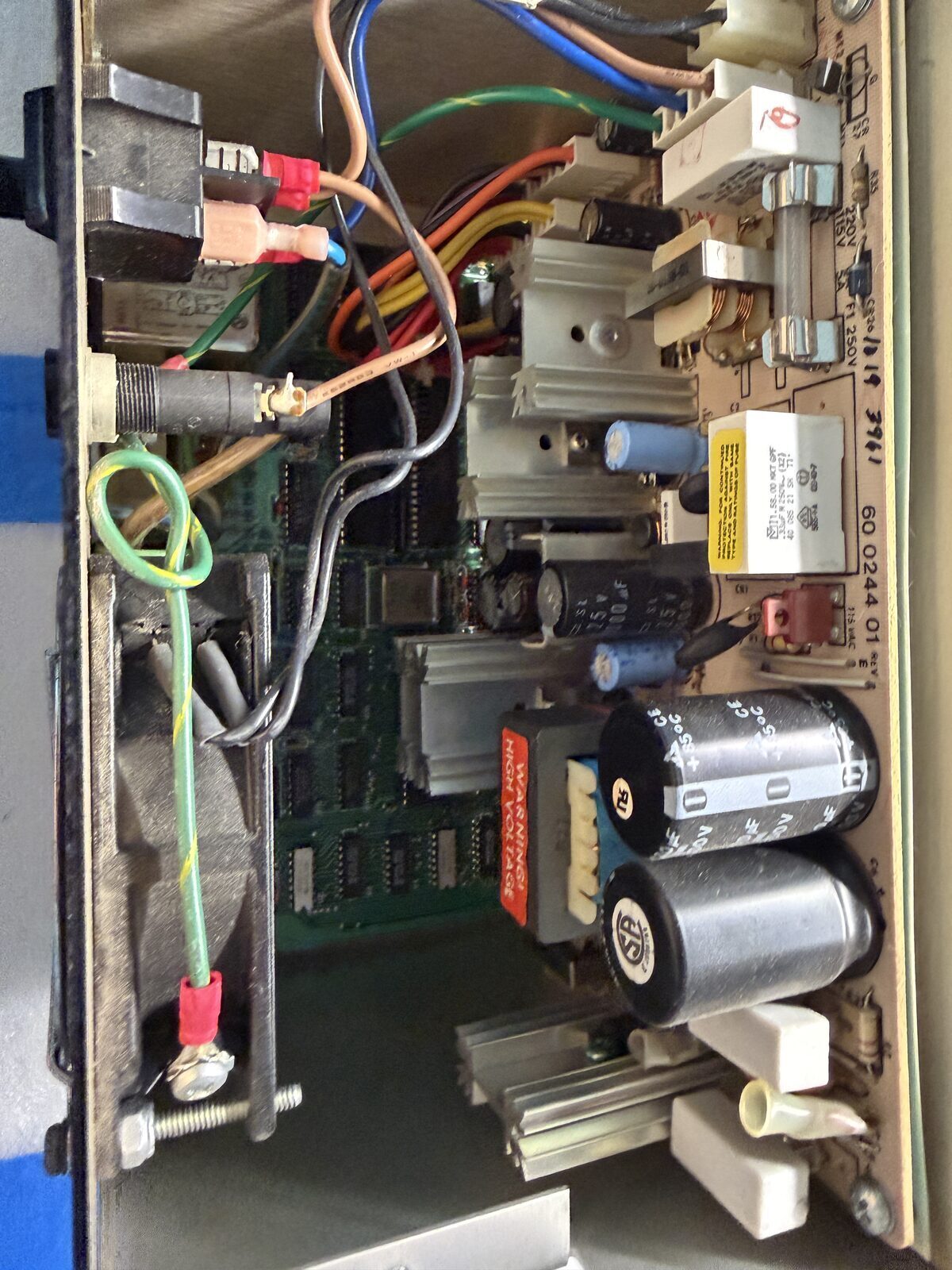
Given the age of the machine, my first suspicion was the power supply. Like many computers of this period, the motherboard contains numerous tantalum capacitors, and anyone who restores vintage electronics eventually learns to suspect them.
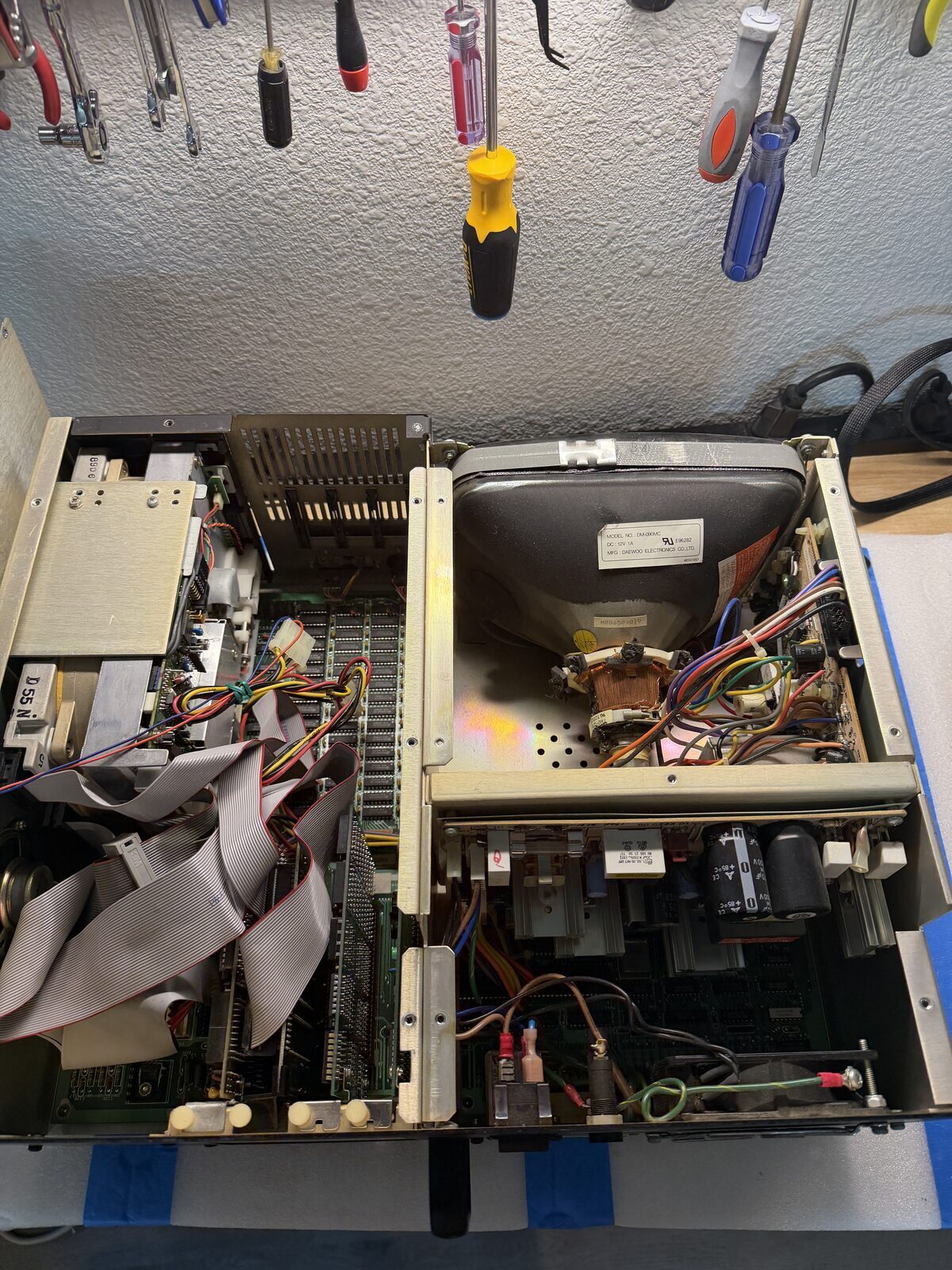
I opened the machine to gain access to the motherboard and power supply and started looking for obvious damage and probing for shorts. Testing the power rails revealed nothing unusual, so I applied mains power and began checking voltages. The 5-volt rail was slightly lower than ideal, but still within a range that should have allowed the system to operate.
Power looked good, there were no shorted capacitors, but still, there was nothing. No indication that the machine was even attempting to start.
Or so I thought.
The Machine Was Trying to Tell Me Something
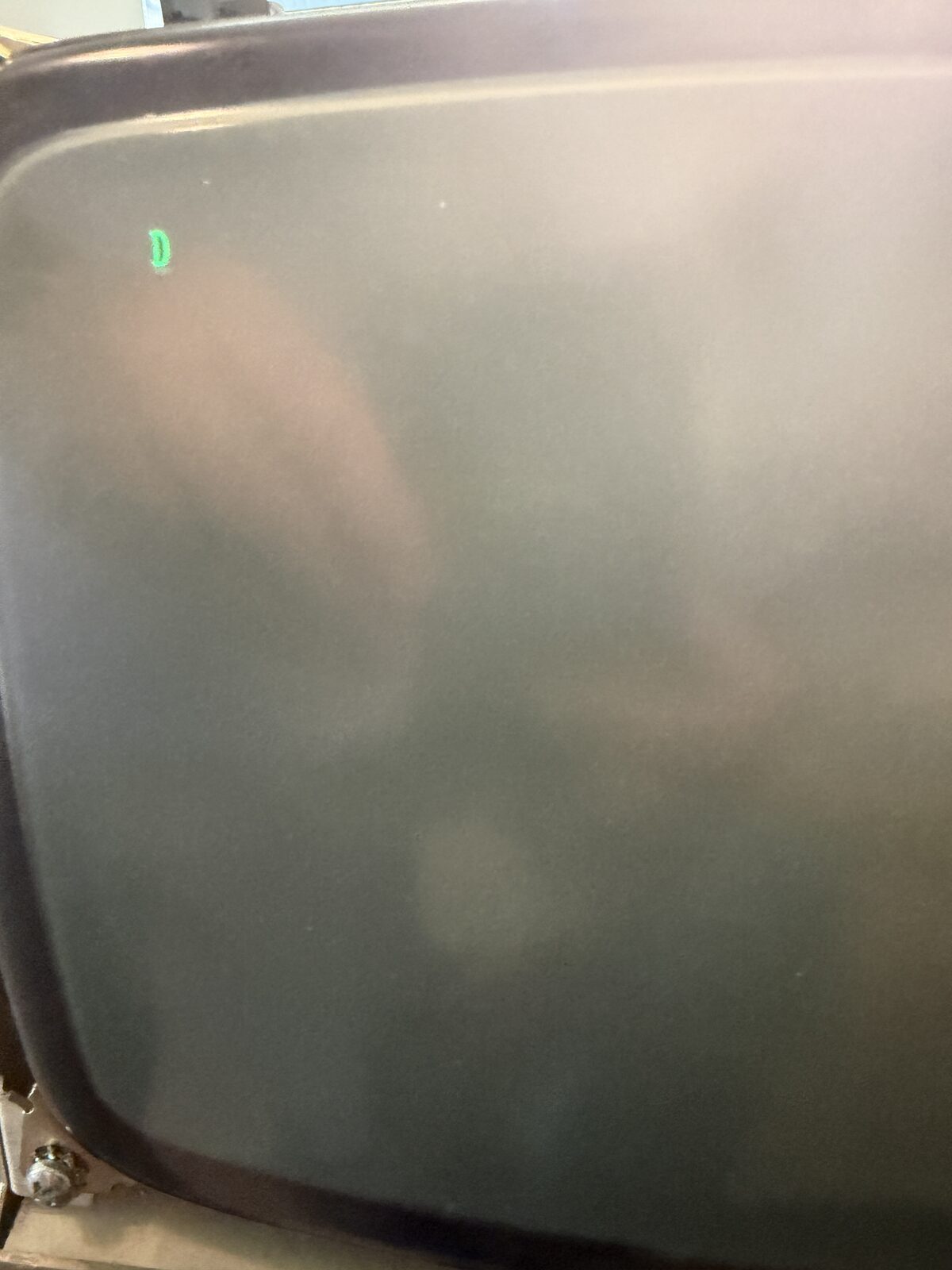
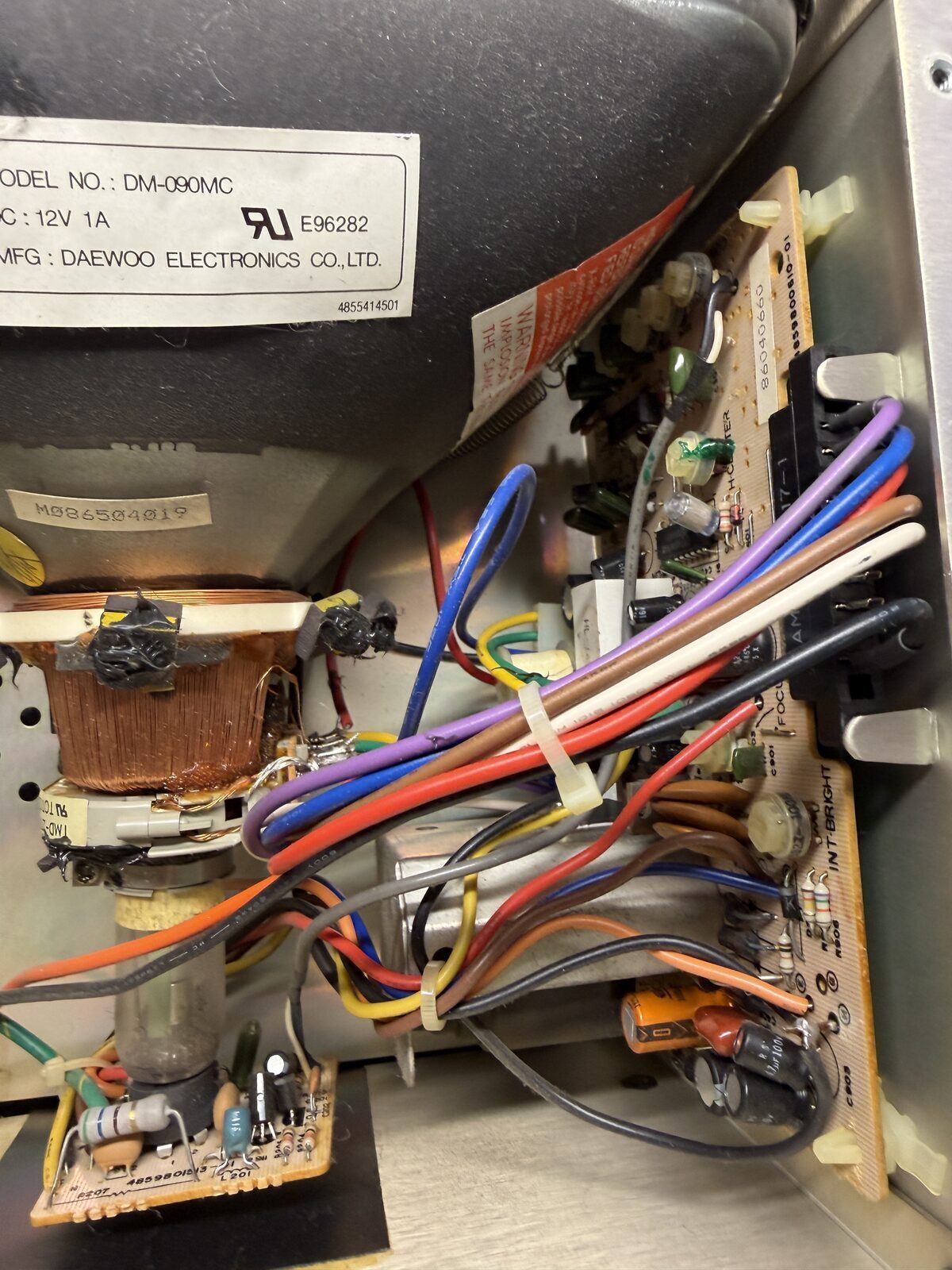
While investigating the display section, I noticed the CRT filament was glowing. That meant the monitor itself was powered, even though the screen was dark. I carefully adjusted the brightness control, hoping to see a full raster that would confirm the display was operational. What appeared instead was not what I expected. In the upper-left corner of the screen sat a single blinking "D."
That one letter would end up driving the entire repair.
Troubleshooting Gets Complicated
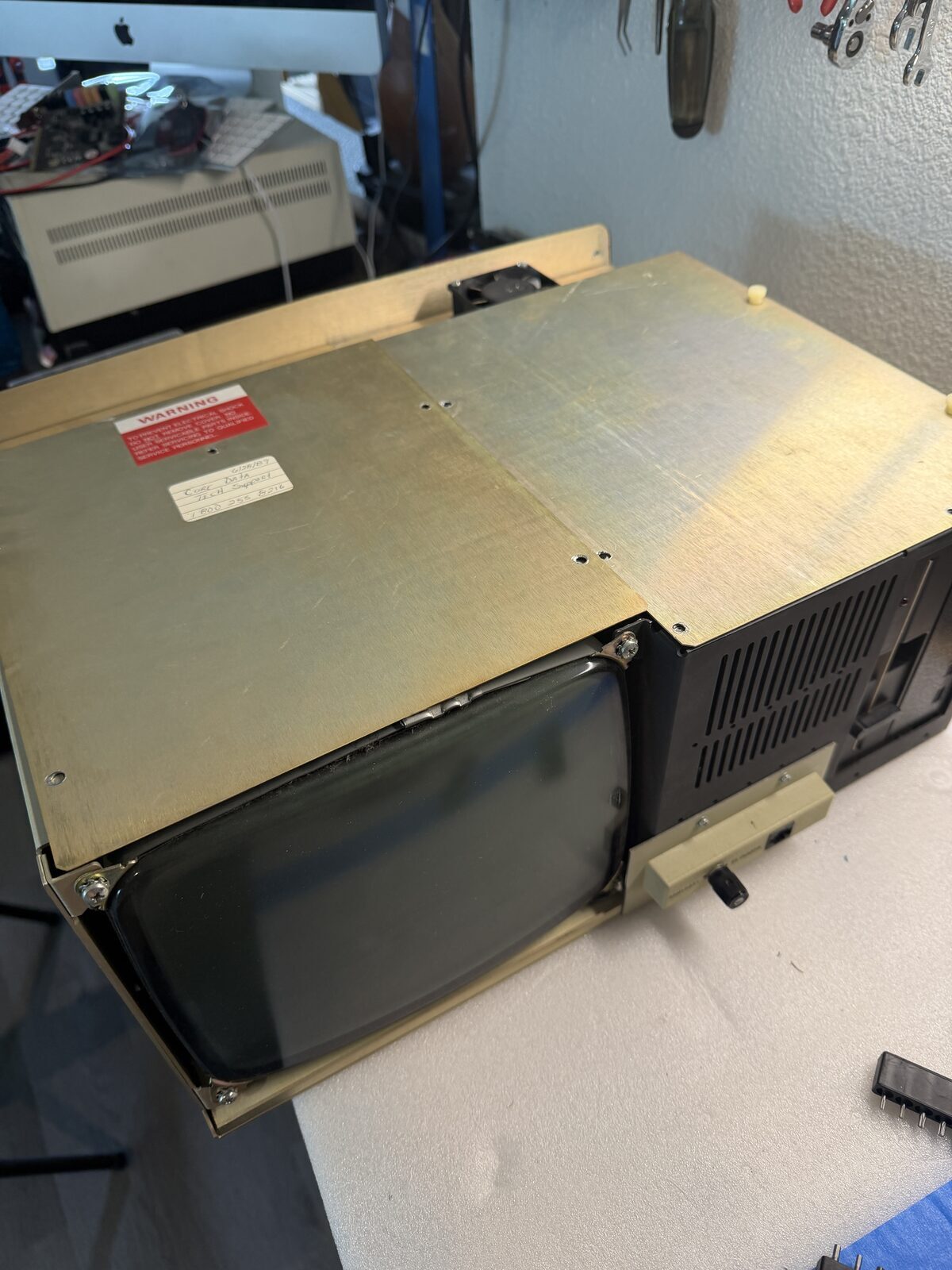
Unfortunately, the PPC-400, like most luggable computers of the period, is not particularly service-friendly.
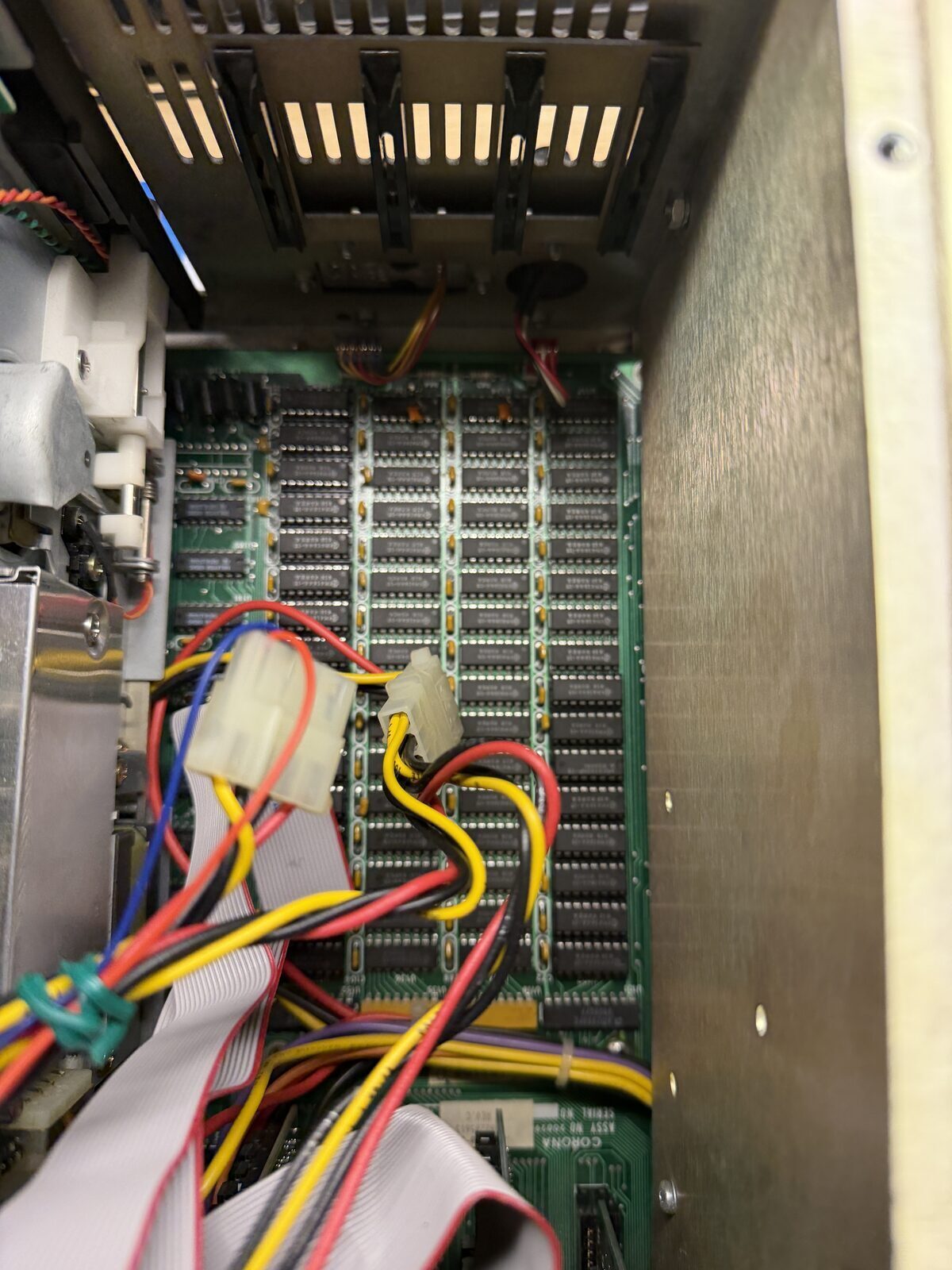
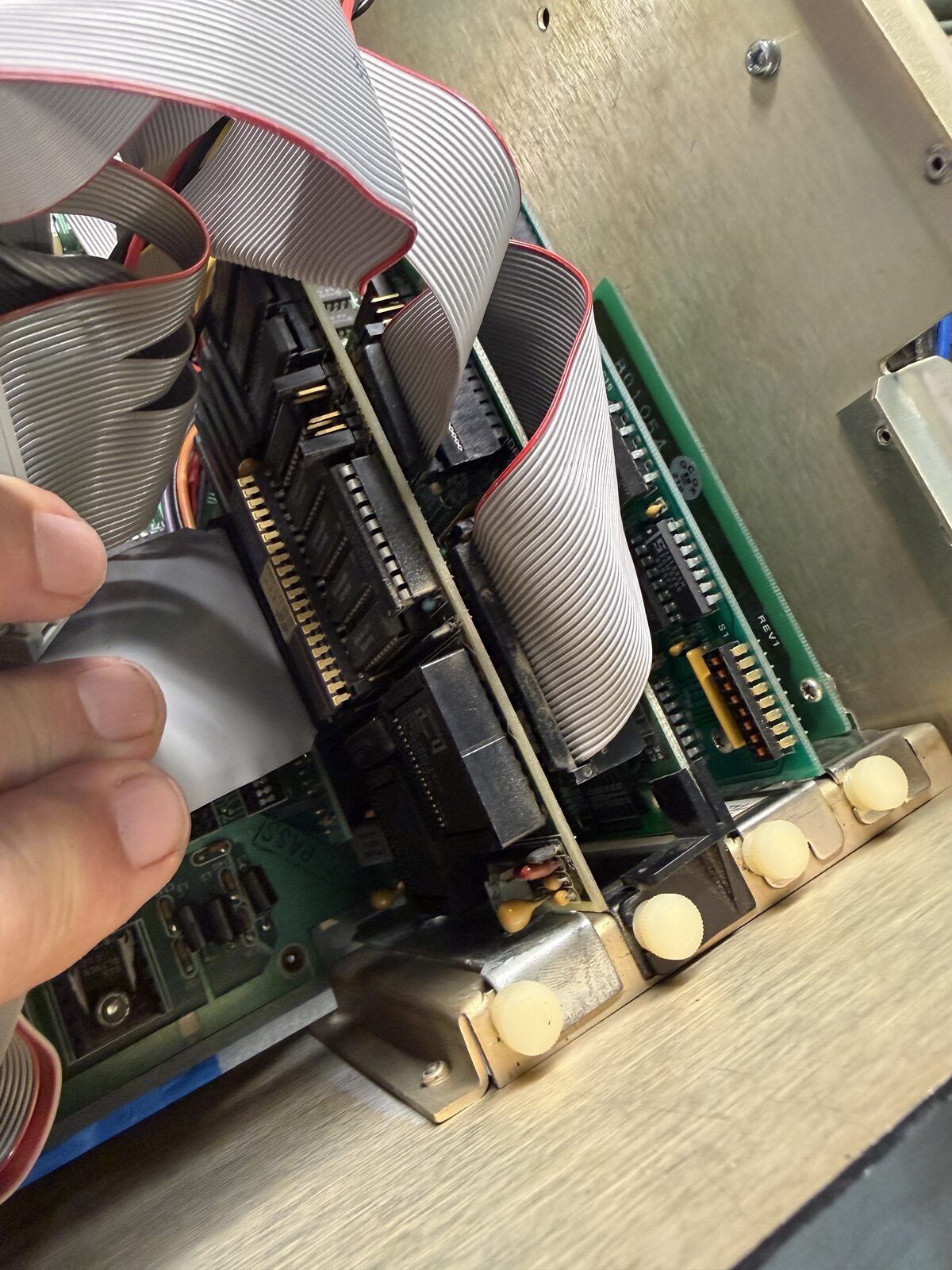
Troubleshooting required removing the motherboard from the chassis because many critical components are inaccessible while installed. Every diagnostic step required partial disassembly, work, reassembly, testing, and then another round of disassembly.
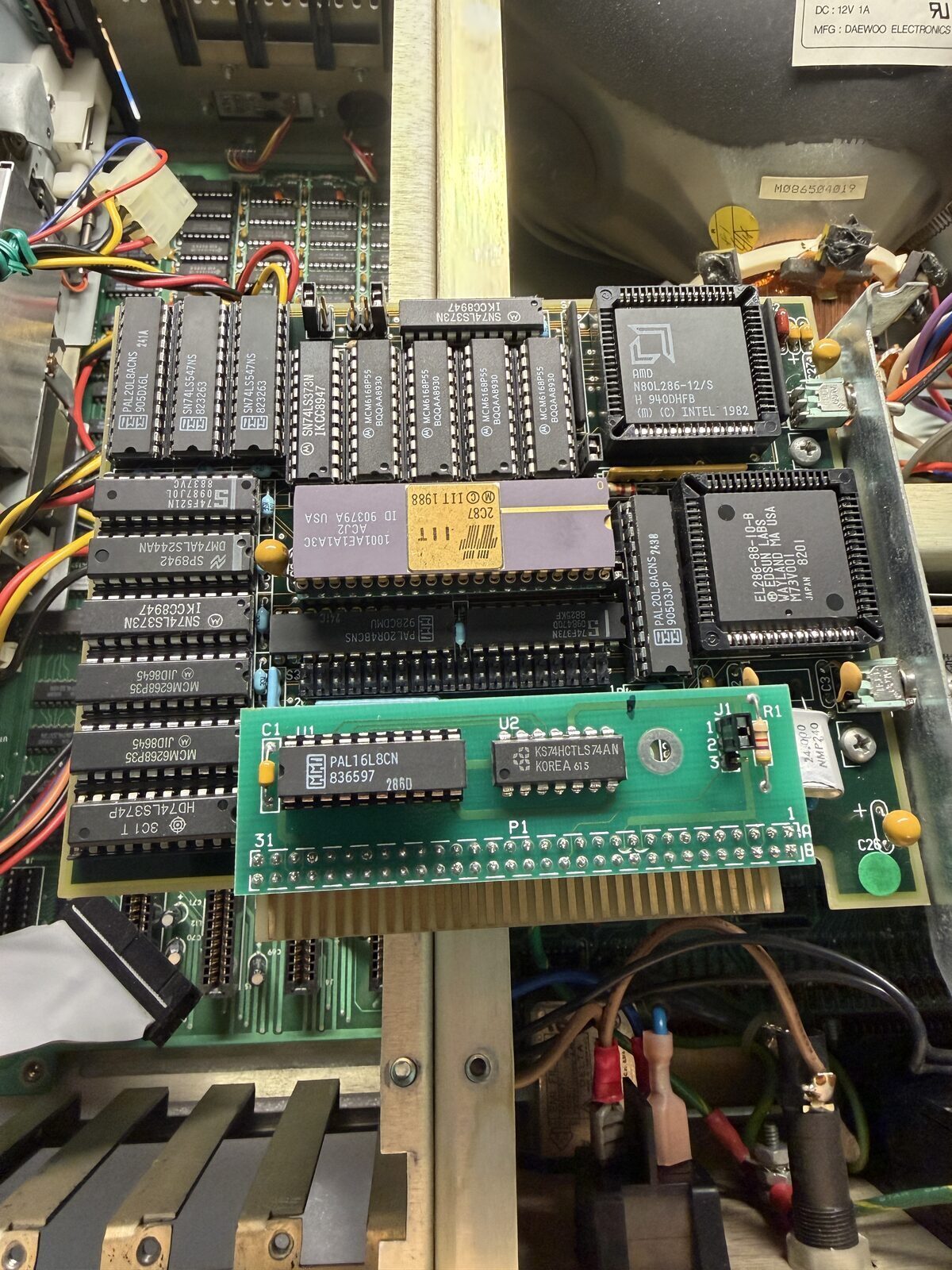
Complicating matters further was the presence of a period accelerator card.
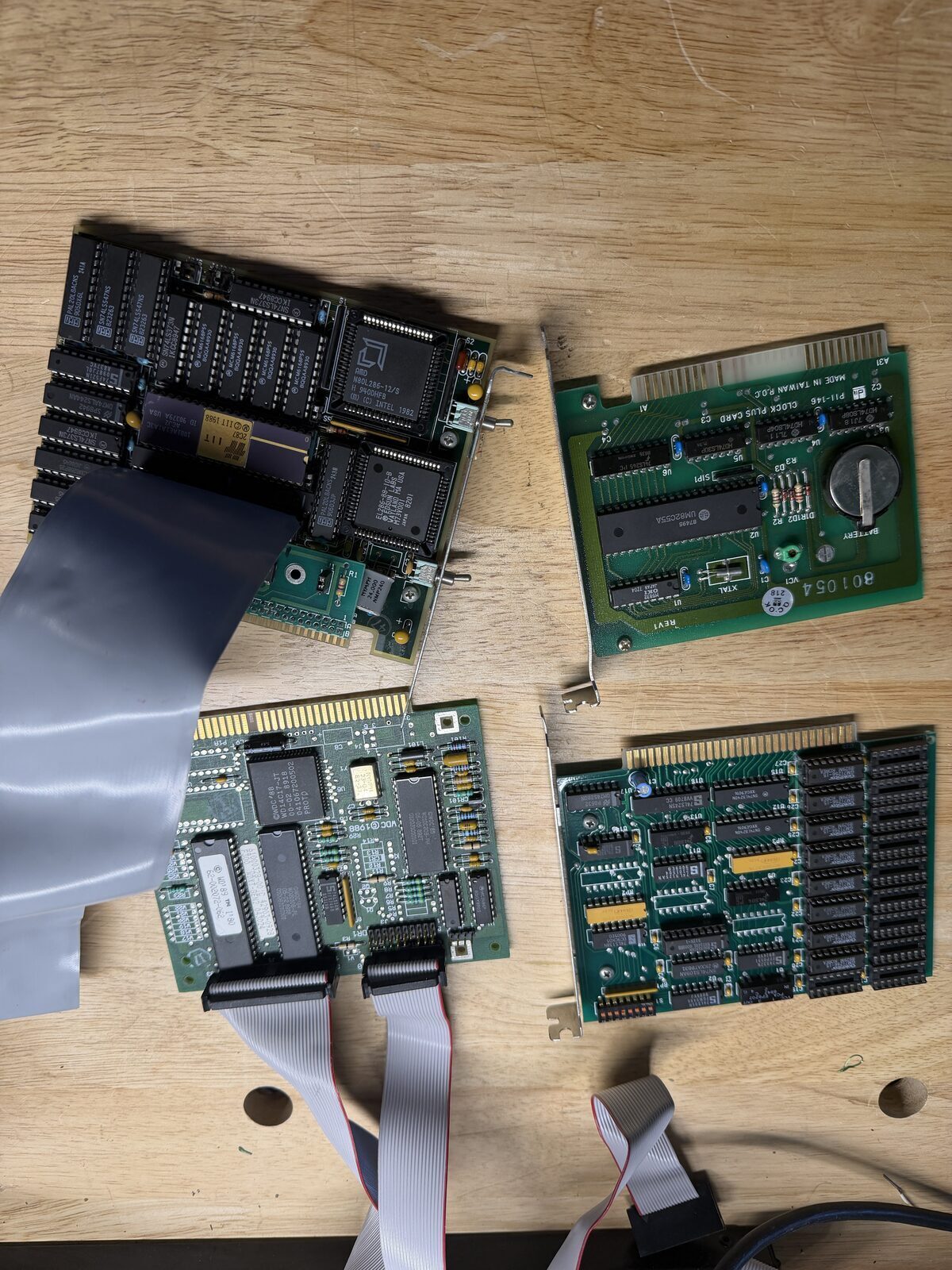
Rather than running its original 8088 processor, this machine had been upgraded with an 8088/286 accelerator complete with cache memory and processor selection switches. The accelerator connected directly into the motherboard CPU socket through a cable assembly, which raised another question. Was the motherboard faulty, or was the accelerator card causing the failure?
To eliminate that variable, I removed the accelerator and all other ISA cards and returned the motherboard to its original configuration using a replacement 8088 processor. In this configuration, the system still failed in the same manner, effectively eliminating the cards completely.
Chasing Suspects
With little documentation available and very little information online, several possibilities were considered. The floppy controller seemed suspicious, as did all the usual suspects, clock, CPU, BIOS, RAM.
Checking clocks, data buses, assertion and inhibit signals with an oscilloscope showed that the system wasn't actually dead. It was running, and many of the signals appeared exactly as expected.
At this point, I didn't know if the "D" was the symptom, deliberately displayed, or even really meaningful. The documentation located didn't mention any POST routines, display codes, or other helpful information, nor did the forums, and a search online only returned one other person experiencing the same symptom, but no fix or suggestion.
However, two machines displaying the same thing led me to believe the "D" actually meant something. It wasn't just random data in video memory or something similar.
At this point, progress depended on finding more information.

The Meaning of D
While researching the PPC-400, another member of the VCFSW community saw what I was working on and reached out. He was troubleshooting a similar machine and thought he remembered that the blinking D was somehow related to drives or disk hardware. More importantly, he mentioned having a copy of the PPC Diagnostic Procedures Manual and offered to share it.
I jumped at the opportunity.
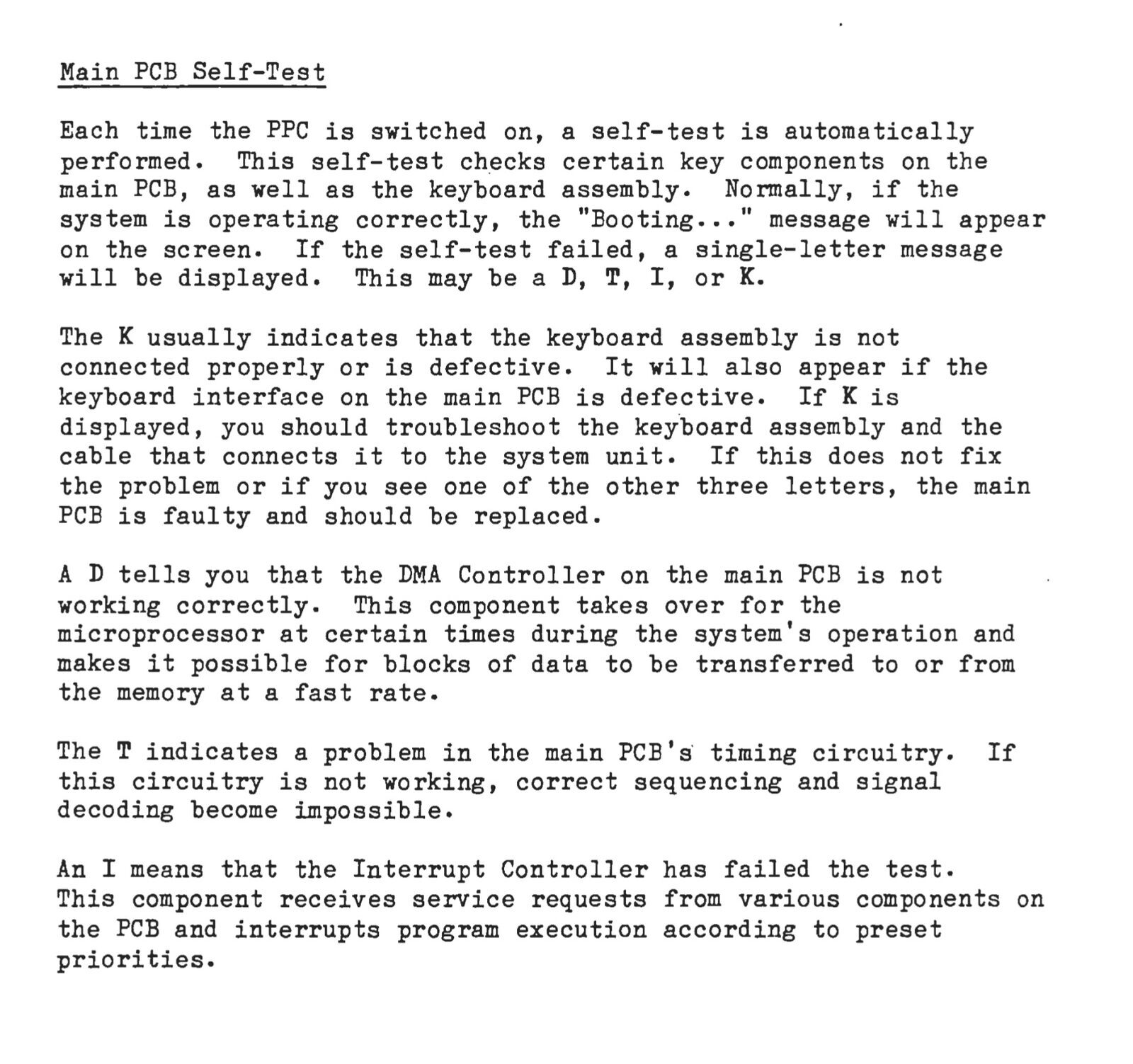
When the manual arrived, I started reading immediately. On page 43 I found exactly what I had been looking for.
The PPC-400's Power-On Self-Test can display one of four single-letter diagnostic codes:
- D — DMA Controller
- T — Timing Circuitry
- I — Interrupt Controller
- K — Keyboard Interface
According to the manual, a displayed D indicates that the DMA controller has failed its self-test.
For the first time, the machine wasn't simply displaying a letter. It was an actual diagnosis.
Trust, But Verify
The diagnostic manual provided a direction, but before ordering parts I wanted to confirm that the installed BIOS actually implemented the documented diagnostics.
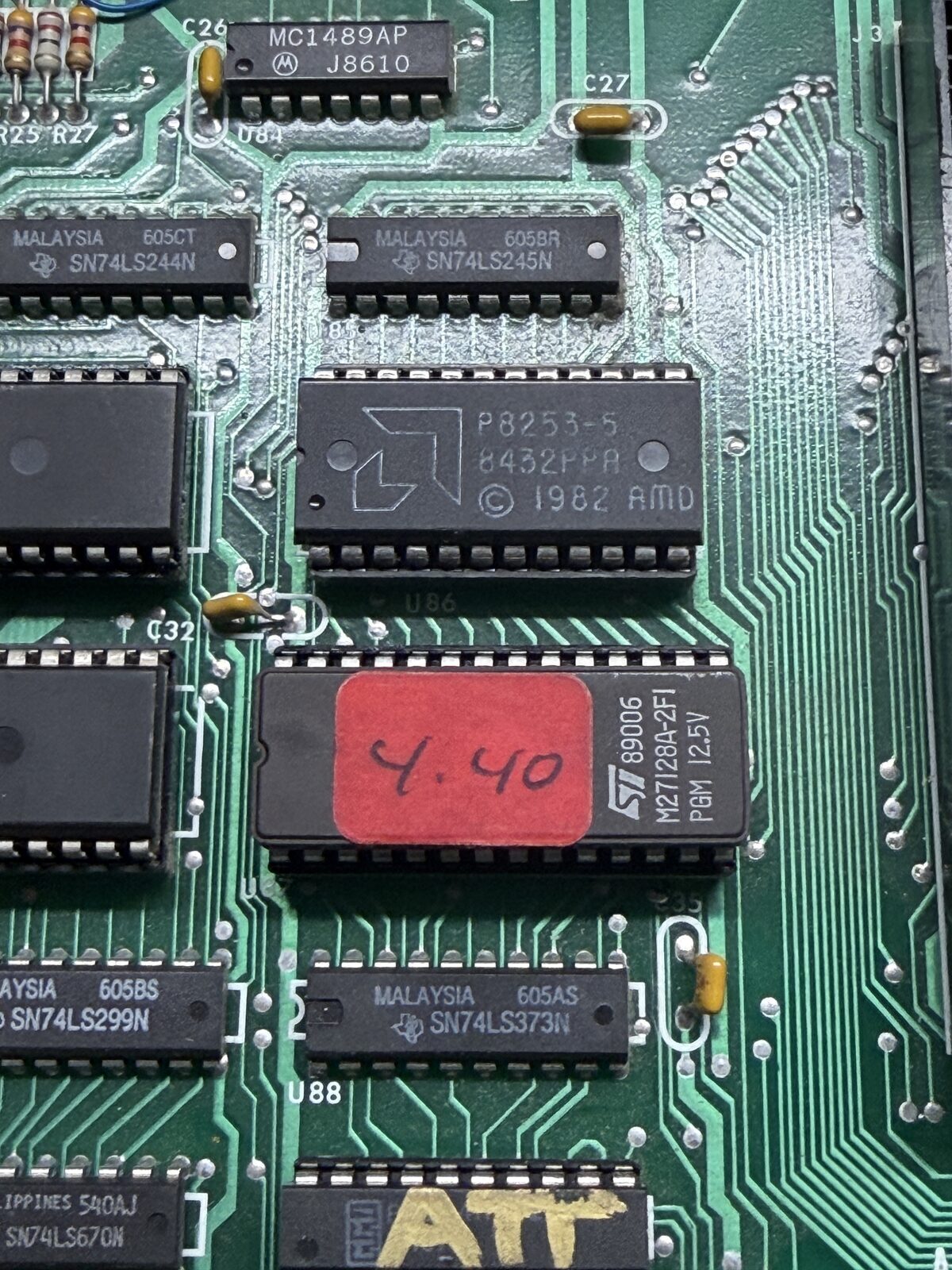
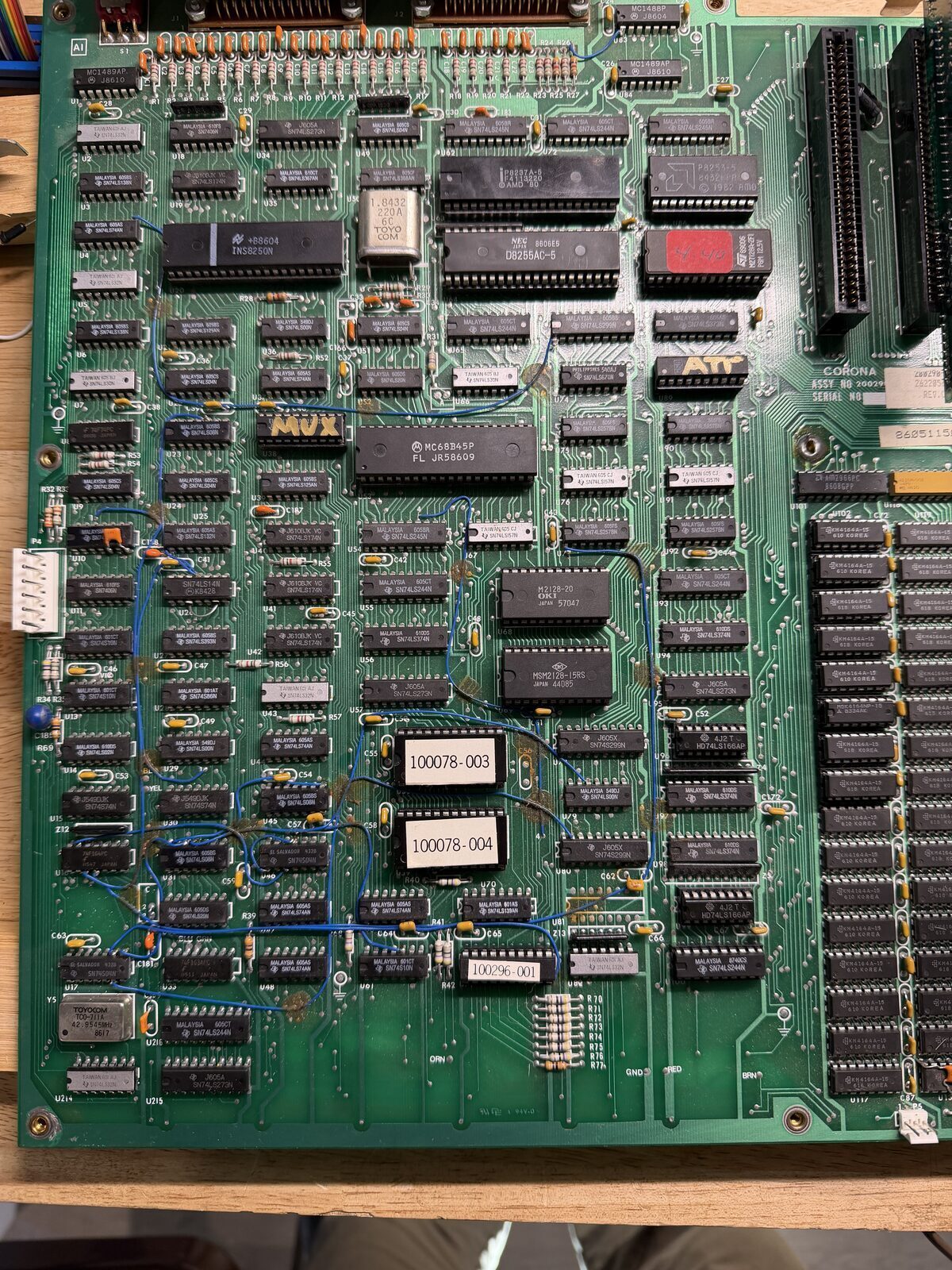
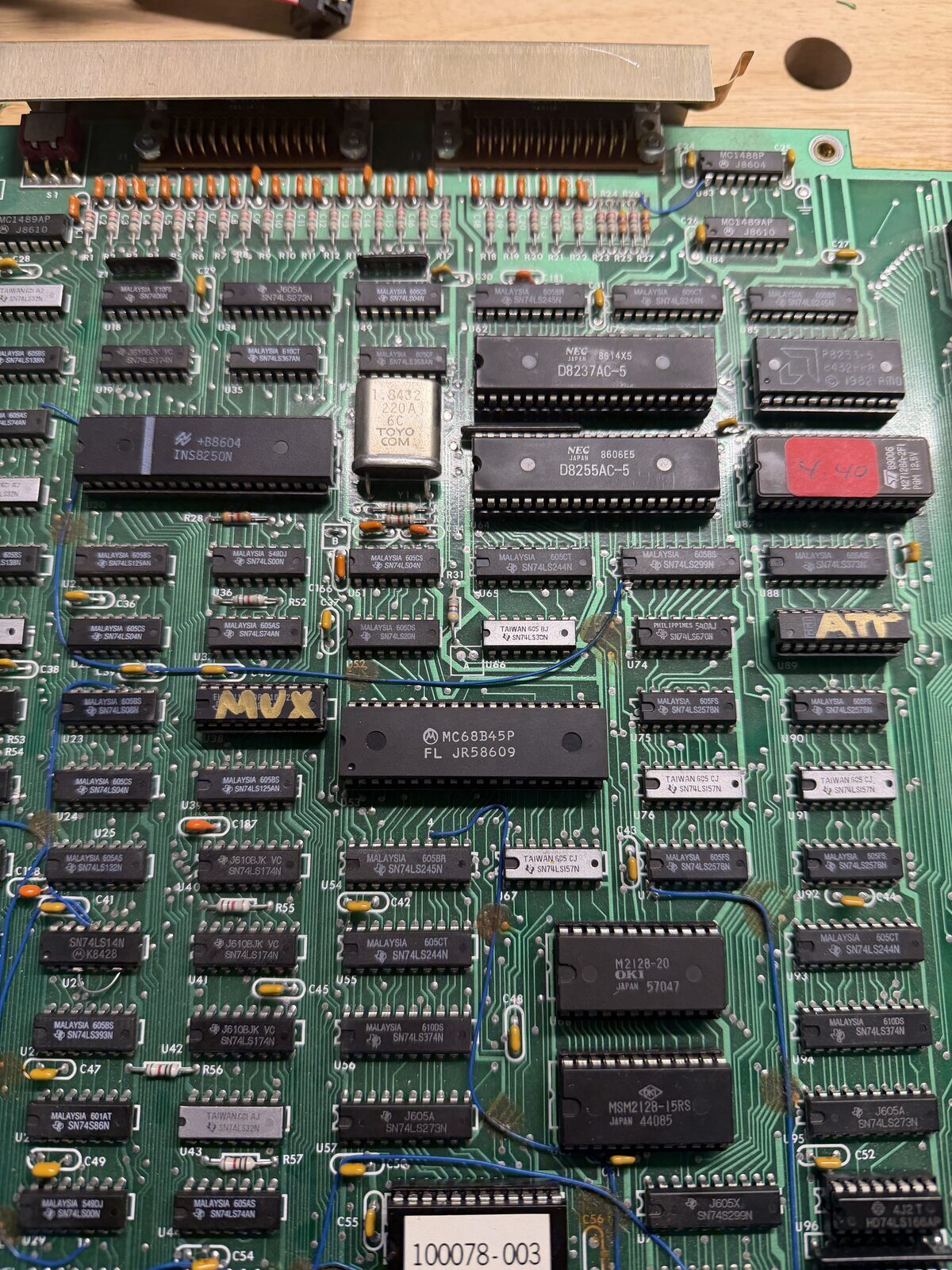
The machine contained three ROMs:
- BIOS Version 4.40
- ROM 100078-003
- ROM 100078-004
All three ROMs were removed, dumped, and archived.
Analysis of the BIOS confirmed routines specifically designed to display the D, T, I, and K diagnostic codes described in the manual. The firmware wasn't displaying a random character. It was intentionally reporting the result of a failed self-test.
With both the Diagnostic Procedures Manual and the BIOS pointing to the DMA controller, I finally had enough confidence to order a replacement chip.
The Repair
A replacement DMA controller arrived a few days later. Another disassembly, and the 8237 DMA controller was replaced. The system was then reassembled for a test.
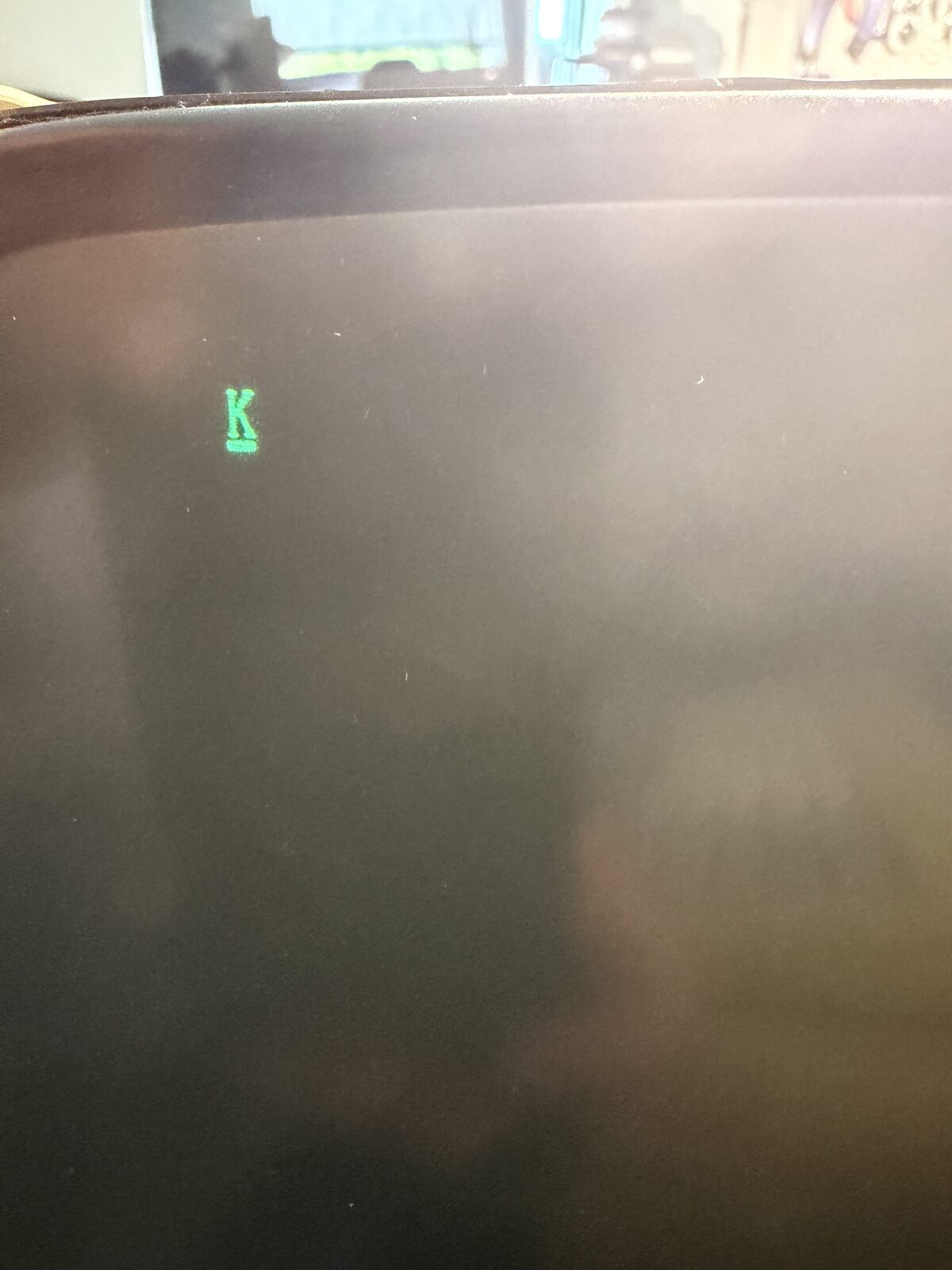
The system was powered up. The screen changed. Instead of "D," the screen now showed a "K," indicating a keyboard assembly failure.
For the first time since bringing the machine home, something had changed.
The DMA controller test was now passing, and the machine had advanced to the next stage of POST and was simply reporting the absence of a keyboard.
I connected the keyboard, rebooted, and the system completed its self-test.
DOS 3.1 booted successfully!
The floppy drive worked, the hard drive responded, although not well, and the machine was operational.
At this point, I reinstalled the accelerator card, all the other expansion cards, and tested the machine successfully.
Now, another decades-old machine is running again and ready for whatever comes next.
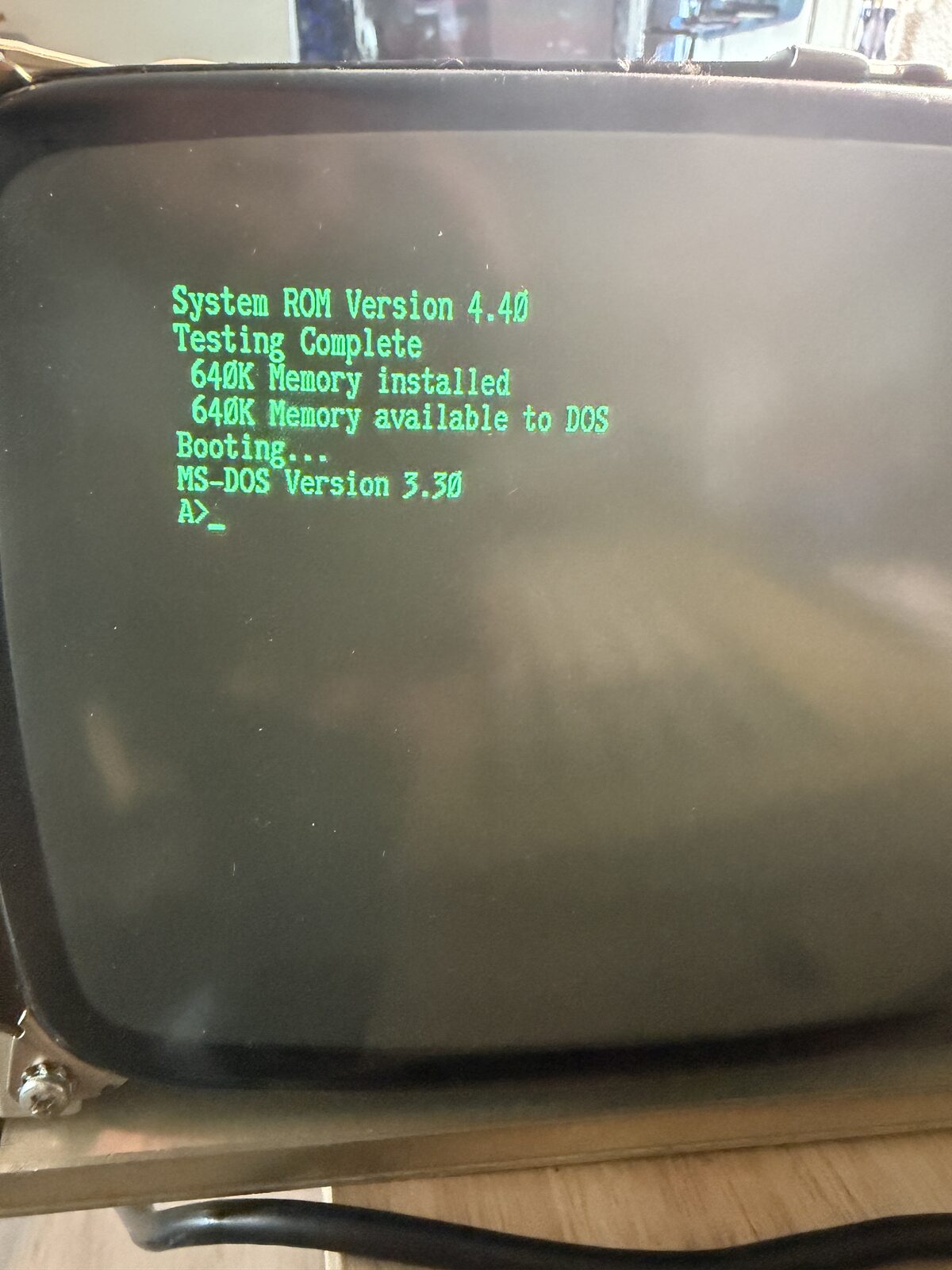
The last thing was to insert a CF IDE card into the machine to add a modern Hard Disk solution. That gave me considerable trouble, more than likely due to minor BIOS differences in the machine, but that's the subject of a different story. I'm swapping it out for an IDE/SD adapter. It should work much better, I suspect.
More Than a Repair
What began as a simple repair gradually became something larger.
Along the way I preserved:
- Original ROM images
- Diagnostic procedures
- User documentation
- Technical manuals
- Company newsletters
- Motherboard photographs
- Repair notes
- Historical information that appears to be largely absent from today's Internet
This article documents the repair of a single machine, but the larger goal is preservation.
The ROM images referenced here, along with original manuals, diagnostic procedures, newsletters, BIOS revisions, software, photographs, and future discoveries related to the PPC-400, are being collected in a dedicated online archive. My hope is that the next person who finds one of these rare systems won't have to begin their restoration with an empty search result.
Reflections
The main take away from this project for me was that I started is with assumptions, and none were even close. The owner told me it "just quit working", so I assumed power supply issues, because it is so common. Then, when I powered it on and nothing happened, I assumed it confirmed it. I'd probably still be looking at power had I not noticed that the monitor was actually powered up, and turned up the brightness hoping for a full raster, then discovering the "D" in the corner.
Once I saw the "D", I needed to understand what that meant, and started looking for clues online. Unfortunately, I found very, very little. That shifted the path from a repair to research, and then eventually into an archival project.
Like all my repairs, I learned something restoring this machine. I learned that assumptions are often wrong, and that not all these vintage machines are well preserved, or well documented. And that sometimes, the things associated with the machine matter. A lot.
Learn something, Leave something. With the rom dumps, Technical Manuals, Documentation and story here, I'm hopeful it will help someone else in the future.
Acknowledgements
My thanks to the gentleman at Vintage Computer Festival Southwest who entrusted me with the machine and asked only that it go somewhere it would not be destroyed. I'm not including his name, because I'm not sure he'd want that.
I'd also like to thank the members of the VCFSW community who shared documentation, compared notes, offered replacement parts, and helped piece together the story behind this machine. Special thanks to Jared Bresee, who shared the technical manual with the hint in it. His generosity allowed me to share it with you. Jared and I are currently coordinating our efforts on the archive and hope it will become a valuable resource for this entire community. Vintage computing has always been a collaborative hobby, and this repair is a perfect example of that spirit.
Finally, thank you to everyone who scans manuals, archives ROMs, preserves software, and shares repair experiences. Every contribution makes it a little easier for the next person to save another piece of computing history.
Coming in Part 2
Although the repair is complete, the actual work on this machine is just beginning.
In Part 2 I'll compare this motherboard with a newly acquired spare board, investigate the original hard drive, image the software, continue digitizing manuals and newsletters, and begin publishing the growing Cordata PPC-400 archive for anyone restoring one of these increasingly rare machines.
After all, preserving the computer is only half the story. Preserving its history is equally important.